Constant context
The agent sees nine tools whether one integration is connected or all 16. Everything else is reached by name.
How meta-tools work →A self-hosted MCP server that holds a separate OAuth connection per user per provider and exposes 195 tools across 16 integrations through 9 meta-tools. Your tokens never leave your box.
docker run -p 3001:3001 -v workbench-data:/app/data ghcr.io/amarthaid/workbench
Read the docs
16 integrations · 195 tools · 9 meta-tools
For the agent
For you
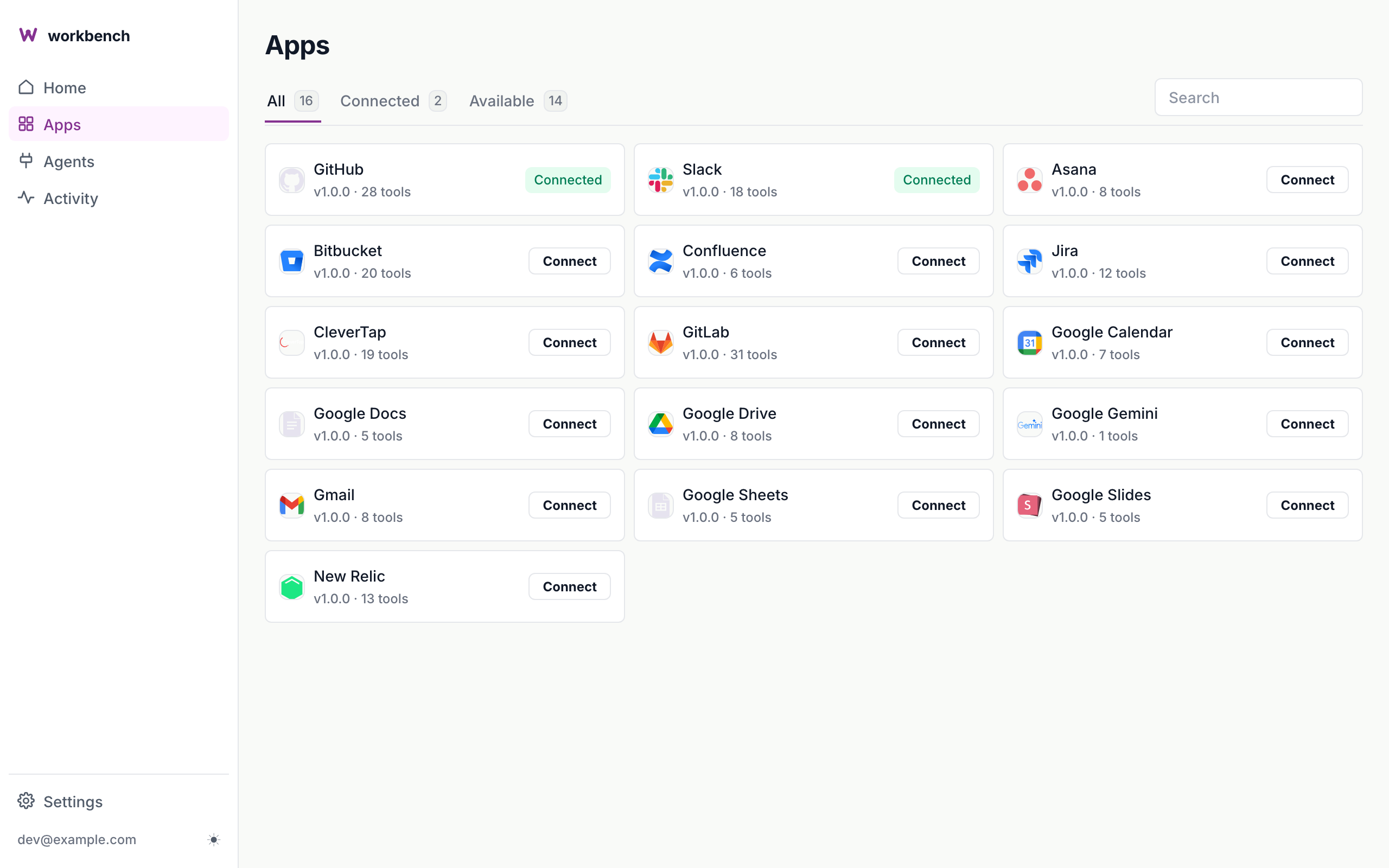
The agent sees nine tools whether one integration is connected or all 16. Everything else is reached by name.
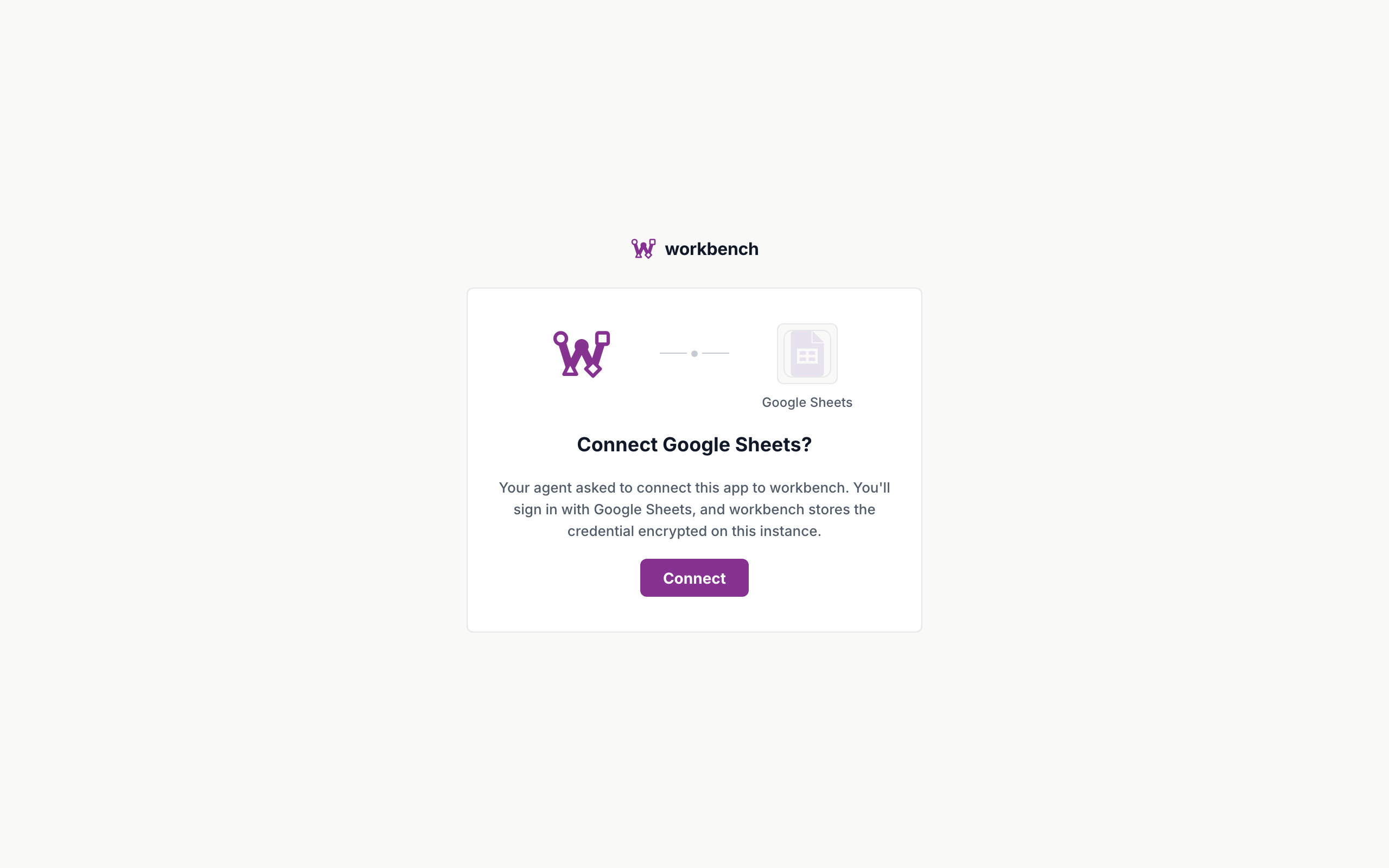
How meta-tools work →One token per person per provider, injected server-side. The agent never holds a credential.
The request path →SQLite or PostgreSQL, tokens encrypted at rest with AES-256-GCM, one container.
Deploy →Open source
custom-plugins/acme-wiki/
├── manifest.ts
└── tools/index.ts

// manifest.ts
export default {
  name: "acme-wiki",
  displayName: "Acme Wiki",
  description: "Internal wiki — pages and search.",
  logo: "logo.svg",
  auth: { type: "apikey", header: "X-Api-Key" },
  proxy: { baseUrl: "https://wiki.acme.example" },
};
Drop a folder into custom-plugins/; the server loads it on restart and the portal lists it beside the built-ins.
Private to your instance by default. Open a pull request when others would use it and it ships in the next release.
A manifest, a tools file, one of four auth modes — the built-in integrations are written exactly the same way.
For teams
Client ID and secret live on the instance. Nobody hands out API keys or pastes secrets into an agent config.
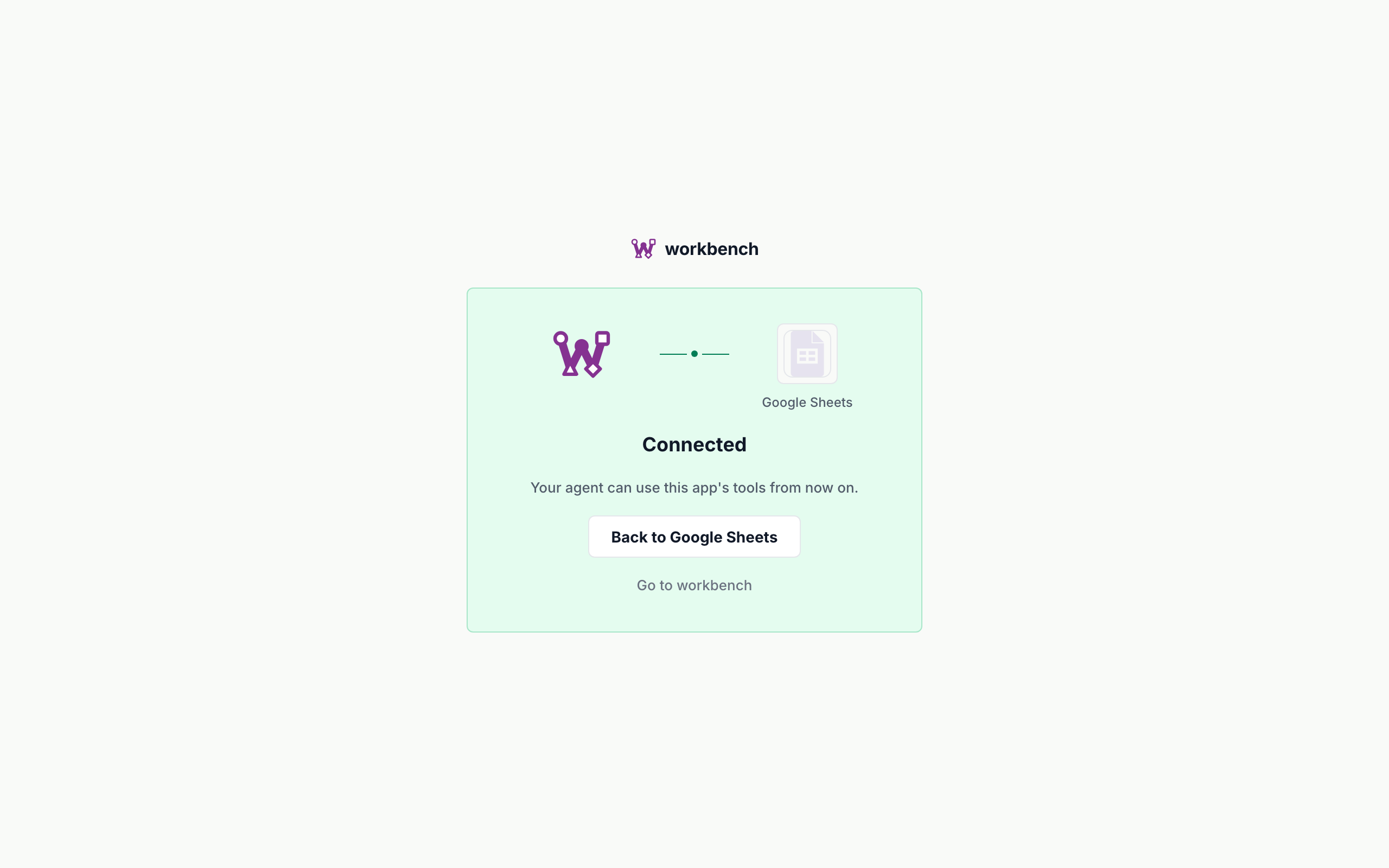
Each person connects with one click; tokens are per-user, encrypted at rest, and the agent never sees them.
Every tool call is logged with who, which agent, which integration, and the outcome — the Activity page is the record.
Revoke a person's connection or an agent's access in one place; it stops everywhere at once.
docker run -p 3001:3001 -v workbench-data:/app/data ghcr.io/amarthaid/workbench
GitHub · Documentation · MIT